



An ERP update to the cloud enhances security, reduces IT effort, and makes your processes reliable again.




Summary:
Microsoft has defined the end of life cycle for Dynamics NAV 2018: extended support until 2028-01-11, maintenance until 2031-04-30 at the latest. This time can be used to further develop the ERP strategy in a targeted way rather than under time pressure. The successor Microsoft Dynamics 365 Business Central brings continuous further development and AI support through Microsoft Copilot. Especially for regulated industries, modernization thus becomes a strategic question rather than merely a maintenance issue.
Microsoft has defined the end of support for Dynamics NAV, making one question unavoidable: How long is your ERP still operational, and what comes next? Your NAV may be running stably, and there is no operational reason to rush. But those who know the deadlines can plan their ERP strategy instead of having to react in haste later.
The last version of Microsoft Dynamics NAV was released in 2018. Since then, support has been phased out in three clearly defined stages:
| Phase | Date | What it means |
|---|---|---|
| Last NAV version | 2018 | There are no more new NAV versions. |
| End of mainstream support | 10/01/2023 | No new features or design changes anymore. |
| End of extended support | 11/01/2028 | After that, security updates will also be discontinued. |
| End of maintenance (at the latest) | 30/04/2031 | Final phase, exclusively for existing customers who are already licensed. |
When Microsoft Dynamics NAV was created, local servers and individually customized systems shaped everyday work. Today, companies expect more from their ERP:
Much of this can also be mapped in a NAV environment, but only with additional integrations, custom extensions, and increasing maintenance effort. A future-ready, forward-looking scenario looks different.
Microsoft has now set the end of the lifecycle for Dynamics NAV. A reason for hasty decisions? Absolutely not. Rather, it is the right time to rethink your ERP strategy. Because ERP modernization is far more than a quick technical upgrade. That is exactly where the real opportunity begins. Among other things, you should answer the following questions:
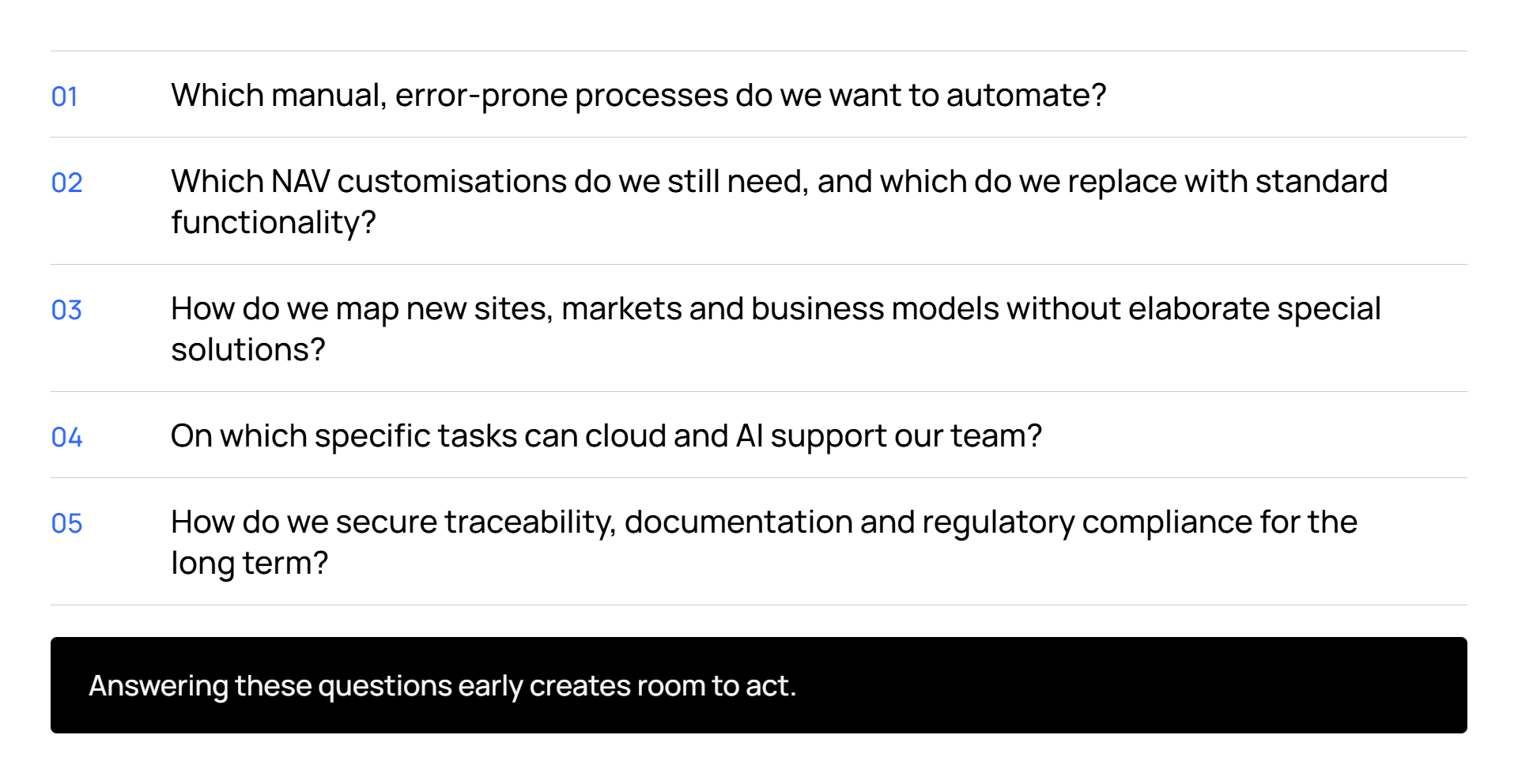
Instead of reacting to external requirements under time pressure, modernization can be carried out in a targeted way in line with your own business goals.
Microsoft Dynamics 365 Business Central builds on the strengths of NAV and closes exactly the gap created by the end of the lifecycle:
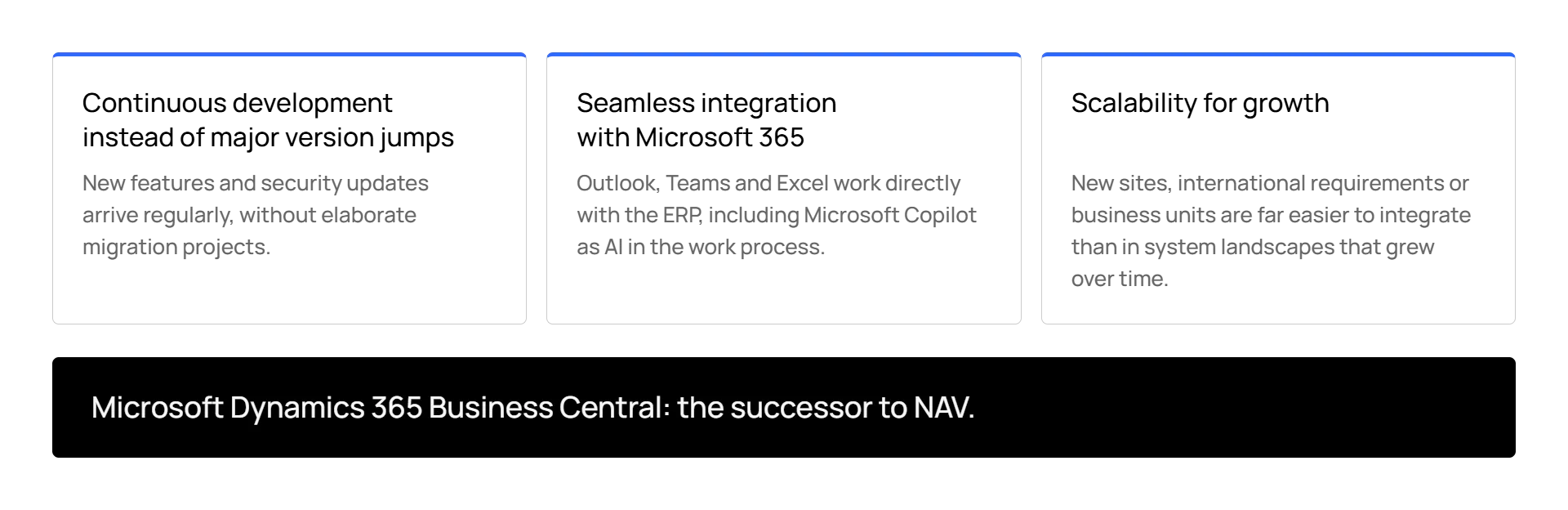
Companies from pharma, biotechnology, chemistry, cosmetics, medical device or food industry face particular requirements: quality assurance, lot tracking, documentation and compliance must function reliably at all times. That is why many companies see ERP modernization as an investment in their long-term ability to act. With the combination of Microsoft Dynamics 365 Business Central, industry-specific extensions and the Microsoft ecosystem, they create the foundation to support regulatory requirements, growth and innovation alike.
The key question is: What should your ERP system be able to do in five or ten years so that you can remain successful in the market? The remaining time until the final end of support gives you the opportunity to strategically further develop your ERP landscape and lay the foundation for future innovations. Anyone who plans early shapes the transition in a controlled way instead of having to act under time pressure later.
Would you like to know how future-proof your current NAV landscape is and what options exist for modernization? Talk to the ERP experts at Yaveon. Together, we will analyze your initial situation and show you ways to position your company effectively.
Mainstream support for Microsoft Dynamics NAV already ended on 10/01/2023. Extended support will continue until 01/11/2028, after which security updates will also cease. Pure maintenance for existing customers with licenses is possible until 04/30/2031.
All versions are affected by end of life, as Microsoft Dynamics NAV 2018 was the last version released and has not been further developed since then. Depending on the installed version, only the exact end dates for extended support and maintenance differ.
The successor is Microsoft Dynamics 365 Business Central. The system builds on the strengths of NAV, is operated cloud-based or on-premise, and is continuously being developed.
No, an immediate switch is not absolutely necessary. As long as extended support and maintenance are running, there is time for planned modernization. However, companies should use this time to approach migration strategically rather than under time pressure.
 ERP-Update – Beitrag öffnen
An ERP update to the cloud enhances security, reduces IT effort, and makes your processes reliable again.
 What is a cloud ERP? Benefits, security & more – Beitrag öffnen
Cloud ERP refers to an ERP system based on cloud technology. Companies access the system directly via internet.
 Success story: Pharmore – Beitrag öffnen
How Pharmore used Yaveon 365 and the Compliance Kit to achieve sustainable ERP validation, and successful audits.